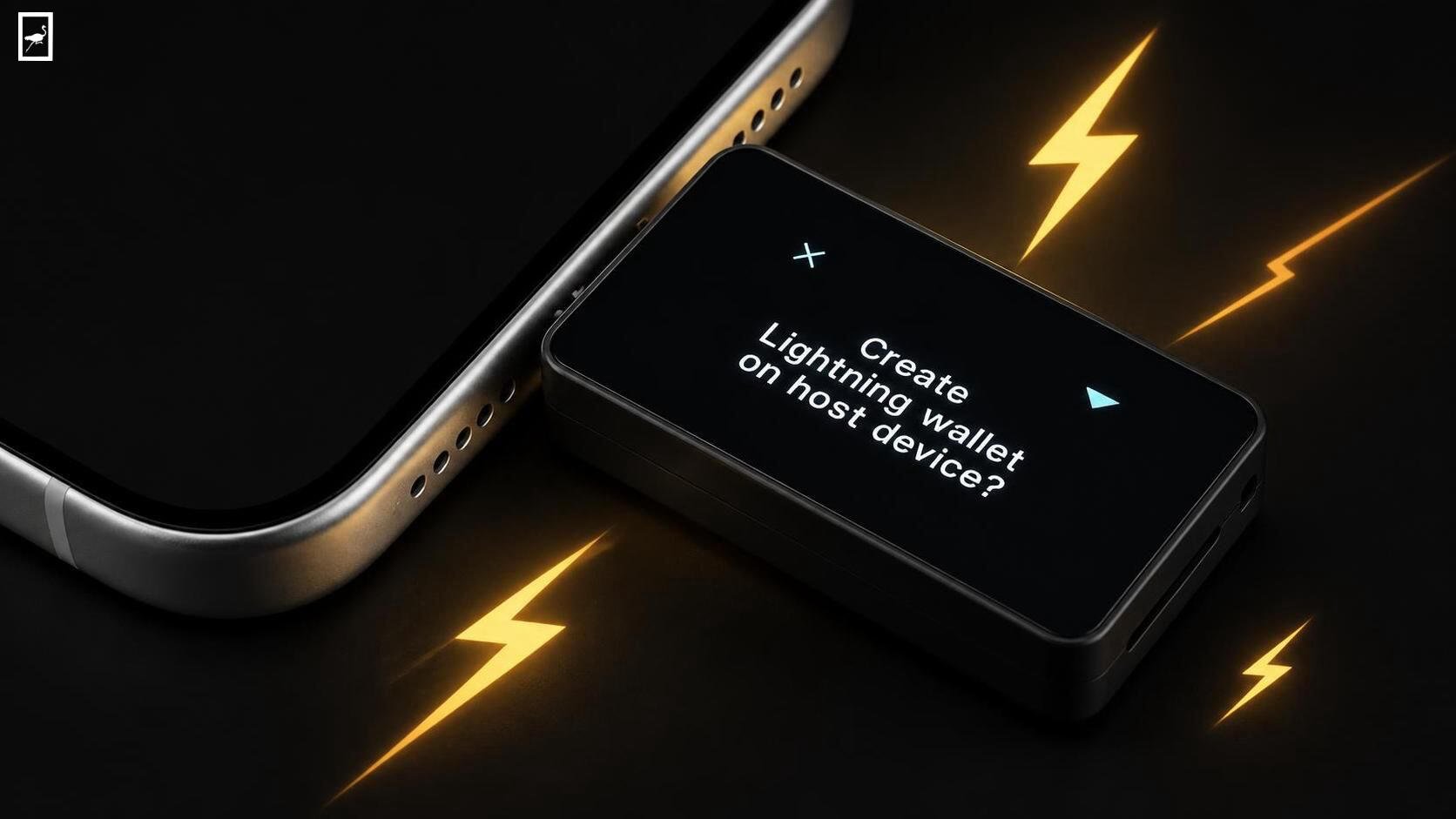
BitBox, the Swiss hardware wallet maker behind the BitBox02 and BitBox02 Nova, launched its long-awaited Lightning Network feature this week as a public beta for all users. The pitch is straightforward: anyone with a BitBox hardware wallet can now create a Lightning hot wallet inside the mobile BitBoxApp, fund it directly from their on-chain balance, pay invoices, and sweep funds back to cold storage, all without writing down a second set of recovery words.
We’ve tested the setup, and the convenience is real. The privacy implications are less clear.
What It Actually Does
The Lightning wallet lives inside the BitBoxApp you already have. You top it up from your on-chain BitBox wallet, scan a Lightning invoice, and pay it. No separate app, no third-party service, no node to run. The BitBox itself doesn’t need to be with you for everyday Lightning payments, so it can stay at home while you spend from your phone.
Under the hood, the feature runs on the Breez SDK, with Spark handling the infrastructure that normally keeps casual users away from Lightning: no channels to open, no liquidity to manage, no routing headaches. BitBox is now one of Breez’s 100-plus integration partners.
Security and Privacy Considerations
The cryptographic design is genuinely clever. During setup, your BitBox derives a separate secret from your existing wallet seed using BIP-85, a standard for creating child secrets from a master seed. That derived secret, not your original seed, is handed to the BitBoxApp to generate the Lightning wallet’s private keys.
The practical result: if your phone is compromised and the Lightning keys leak, your cold storage remains untouched. The derivation works in one direction only. You recover both wallets from the same backup, no extra words to lose.
But here’s where I’d temper the enthusiasm. The Lightning side depends on Spark, which is not trust-less. The cryptographic separation between your savings and your spending wallet is solid, but the infrastructure that makes instant payments possible introduces a trust assumption that the on-chain BitBox wallet simply doesn’t have. That’s not a deal-breaker; it’s a trade-off. BitBox has been transparent about it, which counts for something.
Context matters here, too. In August 2026, BitBox disclosed two severe firmware vulnerabilities discovered during internal audits, including a memory corruption flaw capable of arbitrary code execution. The company patched both and reported no exploitation or theft of funds. The fact that these were found internally and disclosed proactively speaks to the company’s security culture, but it also underscores that adding features increases attack surface.
Practical Performance
Blocktrainer.de tested the feature before launch and reported that it “runs really smoothly in everyday use”. Early alpha testing showed payment times between 10 and 15 seconds for most transactions, with few outliers exceeding 30 seconds. That’s slower than a credit card tap but entirely workable for the use cases Lightning is designed for: coffee, invoices, quick transfers.
The setup process is straightforward. Update the app, navigate to Advanced settings, connect and unlock your BitBox, and follow the on-screen instructions. You’ll need a compatible mobile device and either a BitBox02 or BitBox02 Nova.
Where It Fits
This feature is for people who want to spend Bitcoin without moving their savings off the hardware wallet. You keep long-term holdings on the BitBox and put a small amount into the Lightning wallet for daily spending. If you already use a separate Lightning wallet, you can start receiving sats immediately without an on-chain top-up.
The limitations are worth stating plainly. The Lightning wallet is a hot wallet. It lives on your phone. You should only keep amounts you’re comfortable losing there. And if you use an optional passphrase on your original wallet, you’ll need that same passphrase to reproduce the Lightning wallet during recovery. This is a similar concept to your ecash on other wallets like we love and use in Nostr like MiniBits.
The Cost Factor
The BitBox02 Bitcoin-only edition retails for €124.17, while the BitBox02 Nova sits around €145.83 depending on the retailer. The Lightning feature is a free firmware and app update for existing users. For the price of the hardware, you’re getting cold storage, a mobile app, and now Lightning payments without an additional subscription or service fee. Compared to buying a separate Lightning wallet or paying custodial fees elsewhere, the value proposition is decent.
The Verdict
I think BitBox has done something genuinely useful here. The BIP-85 derivation solves the backup problem elegantly, and the Breez SDK integration makes Lightning accessible without the usual channel management overhead. For BitBox owners who’ve been curious about Lightning but put off by the complexity, this is the easiest on-ramp I’ve seen from a hardware wallet maker.
The trade-offs are real, though. Spark isn’t trust-less, and the hot wallet model means your spending funds sit on a phone that could be lost or compromised. The August firmware vulnerabilities, while patched, are a reminder that more features mean more code. If you’re comfortable with those caveats, this is a solid addition to an already strong product. If you’re not, your cold storage isn’t going anywhere.
Comments
Please login to comment
Login